Line Chart Examples: 20+ Real-World Cases
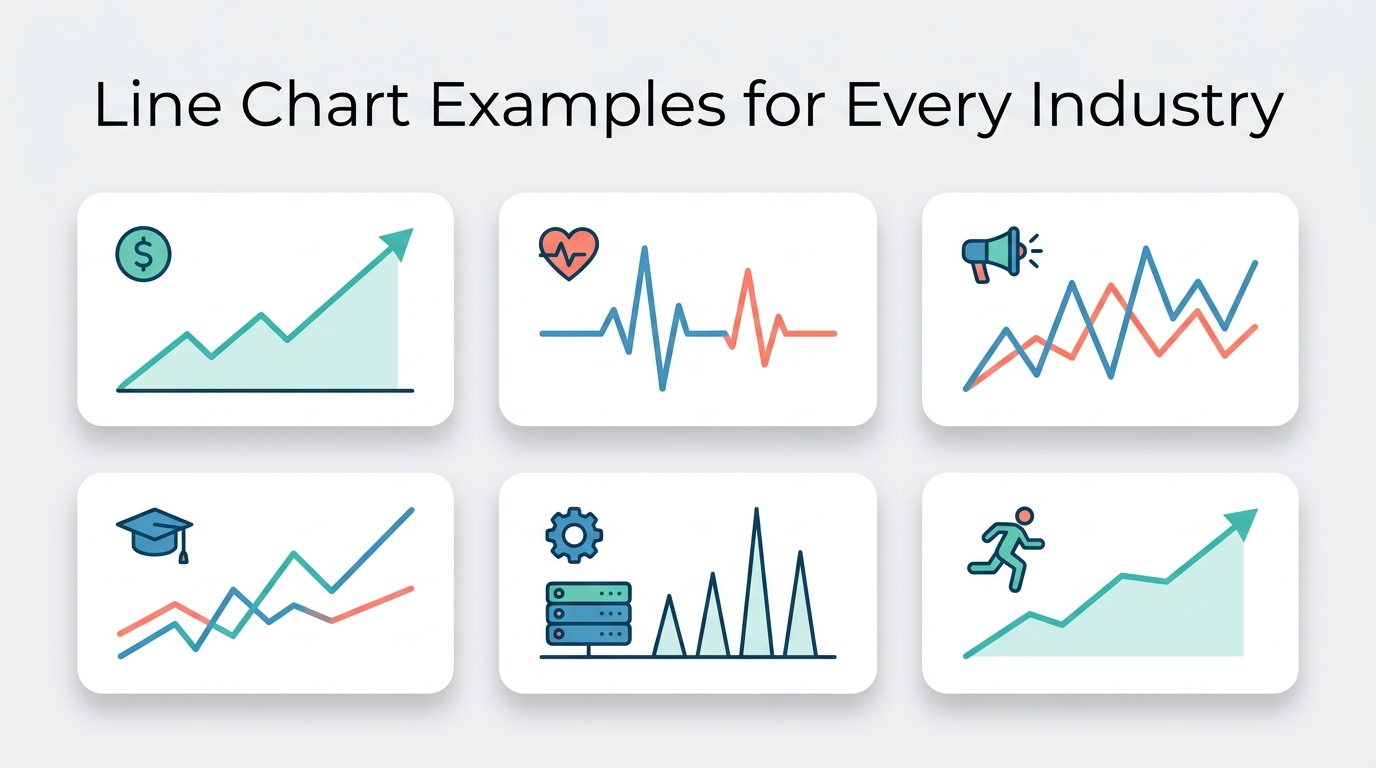
The best way to learn what makes a great line chart is to see one in context. This collection brings together real-world line chart examples from finance, healthcare, marketing, education, operations, and more — each with sample data, the configuration that makes it work, and the insight it reveals.
Every example can be recreated in Line Graph Maker by pasting the sample data.
Finance and Business
1. Monthly Revenue Trend
The most fundamental business chart. A single line tracking revenue month over month answers the question every stakeholder asks first: "Are we growing?"
Data pattern: 12 months of revenue figures. Key insight: Overall trajectory (up, down, flat) and seasonal patterns (Q4 retail spike, summer dip). Configuration tip: Start the y-axis at zero to give honest proportions. Add a horizontal reference line for the annual target.
Why it works as a line chart: Revenue has a natural time sequence, and the trend direction is more important than any single month's exact figure.
2. Stock Price History
Tracking daily closing prices over months or years. The line shape immediately tells you whether a stock is in an uptrend, downtrend, or trading sideways.
Data pattern: Daily close prices, 250+ data points per year. Key insight: Long-term trend, volatility (how jagged the line is), support/resistance levels. Configuration tip: Use a log scale for stocks that have grown 10x or more — it makes percentage changes comparable across the entire history. Hide individual data point markers at this density.
3. Cash Flow Projection
A dual-line chart showing actual cash balance versus projected cash balance. The gap between the two lines tells you whether the business is ahead of or behind plan.
Data pattern: Weekly actual vs. forecast. Key insight: Whether reality tracks the plan, and when deviation started. Configuration tip: Use a solid line for actual, dashed line for projected. Add an annotation at the divergence point.
4. Customer Acquisition Cost (CAC) Over Time
Monthly CAC reveals whether your growth is becoming more or less efficient. A rising line means you are paying more for each new customer — a warning sign that scales poorly.
Data pattern: Monthly cost per acquired customer. Key insight: Is efficiency improving (downward trend) or degrading (upward trend)? Are there seasonal patterns in acquisition cost? Configuration tip: Overlay with a second line showing customer lifetime value (LTV). The gap between LTV and CAC is your unit economics health.
Healthcare and Science
5. Patient Vitals Over a Hospital Stay
Temperature, heart rate, or blood pressure tracked hourly during a hospitalization. Clinicians scan the line shape to detect fever spikes, arrhythmias, or gradual improvement.
Data pattern: Hourly readings over 5–14 days. Key insight: Trend toward recovery or deterioration, response to medication at specific times. Configuration tip: Add horizontal bands for normal ranges (e.g., 97°F–99°F for temperature). Points outside the band are immediately visible.
6. COVID-19 Case Curves by Country
The pandemic made line charts globally famous. Overlaying multiple countries' daily case counts on the same time axis revealed which containment strategies worked and how quickly.
Data pattern: Daily new cases per million, multiple series. Key insight: Relative timing and shape of waves, effectiveness of policy interventions. Configuration tip: Use a log scale to compare countries with very different population sizes. Per-capita normalization is essential for fair comparison.
7. Clinical Trial Dose-Response
Plotting measured response (drug concentration in blood, symptom reduction score) against time after administration. The curve shape reveals absorption rate, peak effect, and half-life.
Data pattern: Measurements at fixed intervals post-dose. Key insight: Time to peak effect, duration of therapeutic window, comparison between dosage groups. Configuration tip: Use smoothed lines to show the trend through noisy individual measurements. Add confidence bands if you have enough data points per group.
8. Lab Experiment Results Over Trials
Tracking a measured variable (yield, absorbance, reaction rate) across sequential experimental trials. The line reveals whether a process is stable or drifting.
Data pattern: Trial number on x-axis, measurement on y-axis. Key insight: Process stability, improvement over iterations, identification of the trial where a change was introduced. Configuration tip: Add a horizontal line for the target or specification limit.
Marketing and Growth
9. Website Traffic Over Time
The growth dashboard staple. Daily or weekly unique visitors, page views, or sessions charted over months reveal the impact of content, campaigns, and algorithm changes.
Data pattern: Daily sessions over 6–12 months. Key insight: Growth trajectory, impact of specific campaigns (spikes), seasonal patterns, algorithm update effects (drops). Configuration tip: Use weekly aggregation for cleaner trends (daily data is noisy). Annotate major events (product launch, blog post published, Google update) with vertical markers.
10. Email Campaign Performance Over Sends
Open rate and click-through rate tracked across sequential email campaigns. The trend shows whether your audience is engaging more or less over time.
Data pattern: Each email send is a point; rate metrics on y-axis. Key insight: List fatigue (declining rates), subject line improvement (spikes), optimal sending frequency. Configuration tip: Use dual lines (open rate + CTR) on the same axis. Both are percentages, so the scale is naturally comparable.
11. Social Media Follower Growth
Cumulative followers over time for one or more platforms. The slope of each line tells you which platform is growing fastest.
Data pattern: Weekly cumulative follower count per platform. Key insight: Which platform is growing, where growth stalled, impact of viral content. Configuration tip: If one platform dwarfs the others (e.g., 100K Instagram vs. 5K Twitter), use separate charts or normalize to percentage growth from a common starting point.
12. Conversion Funnel Over Time
Tracking conversion rate at each funnel stage (visitor → lead → trial → customer) over months. When one stage's line drops while others stay flat, you have found your bottleneck.
Data pattern: Monthly conversion rate per stage. Key insight: Which funnel stage is improving or degrading, and whether changes are correlated. When you want to test correlation between two variables directly, a scatter plot maker is the better tool. Configuration tip: Keep all rates on the same 0–100% y-axis for honest visual comparison.
Education
13. Student Test Score Progression
A student's scores across multiple assessments throughout a school year. The line shows learning trajectory — improvement, plateau, or regression.
Data pattern: Sequential test scores for one or more students. Key insight: Whether remediation is working, at what point a student began struggling, growth rate compared to class average. Configuration tip: Add a reference line for class average to give individual performance context.
14. School Enrollment Trends
Annual enrollment figures over a decade or more. Useful for school boards planning capacity, hiring, and budget allocation.
Data pattern: Annual headcount by grade level or school. Key insight: Demographic shifts, impact of new school openings, grade-level trends. Configuration tip: Use separate lines per grade band (K–2, 3–5, 6–8, 9–12) to see which segments are growing or shrinking.
15. Research Citation Count Over Years
Tracking how many times a paper has been cited each year since publication. The curve shape reveals whether a paper had immediate impact, slow-burn influence, or a revival.
Data pattern: Annual citation count. Key insight: "Sleeping beauty" papers (low initial citations, late surge), immediate hits, declining relevance. Configuration tip: Use a cumulative line for total impact, or a per-year line for trend analysis. Both tell different stories.
Operations and Engineering
16. Server Response Time Monitoring
P50, P95, and P99 response times charted over hours or days. This is the first chart an on-call engineer checks when performance alerts fire.
Data pattern: Minute-by-minute or hourly percentile metrics. Key insight: Latency spikes, gradual degradation, correlation with deployment events, time-of-day patterns. Configuration tip: Plot P50, P95, and P99 as three lines on the same chart. P50 shows typical experience; P99 shows worst-case. The gap between them reveals consistency.
17. Manufacturing Quality Control (SPC Chart)
Statistical process control charts plot measured output over sequential production runs. Control limits (upper and lower) detect when a process drifts out of specification.
Data pattern: Sequential batch measurements. Key insight: Process stability, out-of-control signals (points beyond limits, runs above/below center). Configuration tip: Add upper control limit (UCL), lower control limit (LCL), and center line as horizontal reference lines.
18. Energy Consumption Over Time
Daily or hourly electricity, gas, or water usage. Facilities managers use these to detect waste, verify savings from efficiency upgrades, and negotiate utility contracts.
Data pattern: Hourly or daily consumption readings. Key insight: Peak usage times, weekend/weeknight patterns, impact of HVAC or equipment changes. Configuration tip: Overlay current period with same period last year to show year-over-year improvement.
Personal and Lifestyle
19. Fitness Progress Tracking
Weight, running pace, or workout volume tracked over weeks and months. The line shape is deeply motivating (or informative) when it shows consistent improvement.
Data pattern: Daily or weekly measurements. Key insight: Progress trajectory, plateau detection, impact of routine changes. Configuration tip: Use a 7-day rolling average line overlaid on daily points to smooth natural fluctuations while preserving the long-term trend.
20. Personal Budget Spending
Cumulative spending by category over a month. As the line approaches the budget limit, you know it is time to slow down. For cumulative running totals like this, a filled area chart makes the volume more tangible.
Data pattern: Daily cumulative spend per category. Key insight: Burn rate, whether you will exceed budget at current pace, which categories need attention. Configuration tip: Add a horizontal line at the budget limit. A "pace line" (budget ÷ days in month × day number) shows whether you are ahead of or behind schedule.
Government and Public Policy
21. Unemployment Rate Over Decades
One of the most widely published line charts in economics. The trend reveals business cycles, the impact of recessions, and the effectiveness of policy responses.
Data pattern: Monthly rate over 10–50 years. Key insight: Cyclical patterns, recovery speed after recessions, structural changes. Configuration tip: Shade recession periods using background bands to correlate unemployment spikes with economic downturns.
22. Air Quality Index (AQI) Over Time
Daily AQI readings charted over a year reveal seasonal pollution patterns, the impact of wildfires, and whether air quality regulations are working.
Data pattern: Daily AQI readings. Key insight: Seasonal patterns, extreme event detection, year-over-year improvement. Configuration tip: Use color-coded background bands for AQI categories (green = good, yellow = moderate, orange = unhealthy for sensitive groups, red = unhealthy).
How to Recreate These Examples
Every example above can be built in three steps with Line Graph Maker:
- Prepare your data as CSV with columns for x (time/sequence), y (value), and series (optional, for multiple lines). And if your x-axis turns out to be categories rather than time, switch to our bar chart maker instead.
- Paste or upload the data into the editor.
- Customize the title, colors, legend, and axis settings to match the example's configuration tips.
The tool handles rendering, interactivity (hover for values), and export (PNG, SVG, or shareable link) automatically.
Frequently Asked Questions
Can I combine examples on one chart?
Yes, if they share the same x-axis (time period) and the y-axis units are compatible. Revenue and cost on the same dollar-denominated axis works well. Revenue (dollars) and satisfaction score (1–10) on the same axis does not — use dual axes or separate charts.
What is the ideal number of data points for these examples?
For monthly business metrics: 12–24 months. For daily monitoring: 30–90 days. For long-term trends: 5–20 years of annual data. More data is almost always better for line charts, as long as you aggregate appropriately (do not plot 5 years of per-minute data — aggregate to daily or weekly).
How do I add context like events or targets?
Use annotations (vertical lines for events, horizontal lines for targets). Most charting tools, including Line Graph Maker, support markLine configurations. Alternatively, add a subtitle or footnote explaining key events.
Which examples work best for presentations?
Simple, single-insight charts work best in presentations. "Monthly Revenue Trend" (one line, clear direction) is better in a slide than "Server Response Time" (three lines, technical audience). For presentations, reduce to the minimum number of lines needed to make your point, increase font sizes, and remove grid clutter.
Can I use these with real-time data?
For monitoring dashboards (server response time, energy consumption, AQI), yes — the chart updates as new data arrives. Configure a fixed time window (last 24 hours, last 7 days) so the chart stays readable instead of accumulating infinite history.
Share this article
Help others discover this content
Published on April 21, 2026
Last updated on July 21, 2026